Fantastic Color Grading Monitor
I thought the Eizo ColorEdge CS2740 was already stupidly good. I spent a week with it, fell in love, and then… I tried the CG319X.
I wasn’t ready.
The gallery-wall test
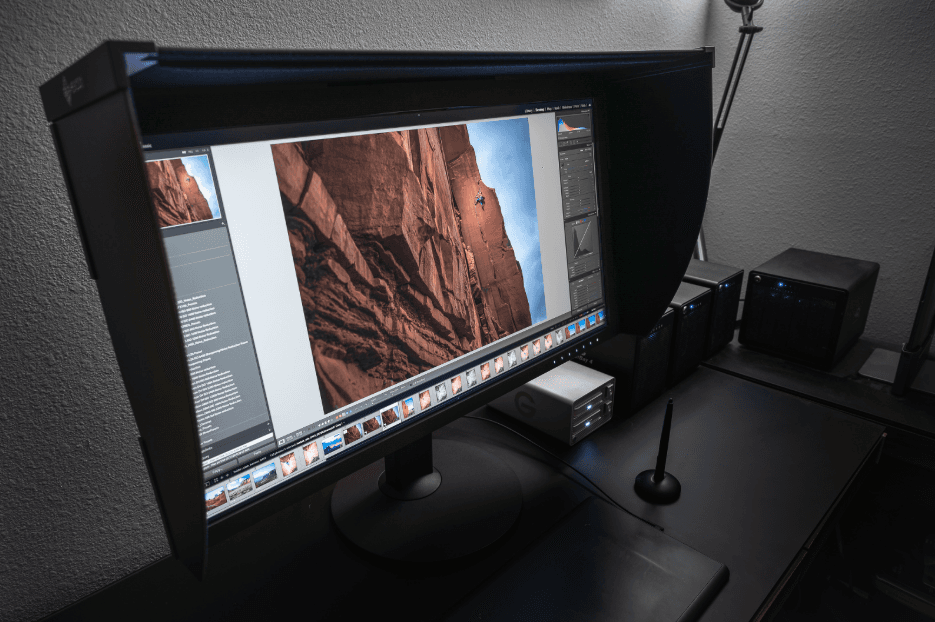
The second I turned it on, my images looked like they’d been sneaked into a gallery at night and hung under perfect museum lighting. Full-screen in Lightroom? Gallery wall. Zoomed to 100%? Suddenly my photos were larger than life and twice as dramatic. I actually sat there with my mouth open for a solid five seconds, whispering “no way” like a cartoon character.
And these are my 102-megapixel GFX 100 files we’re talking about. This is the first monitor that finally shows them the way they were meant to be seen. Every tiny detail I’ve never noticed before just… appeared. I felt personally attacked by how good my own photos looked.
Size, DCI 4K, and 10-bit
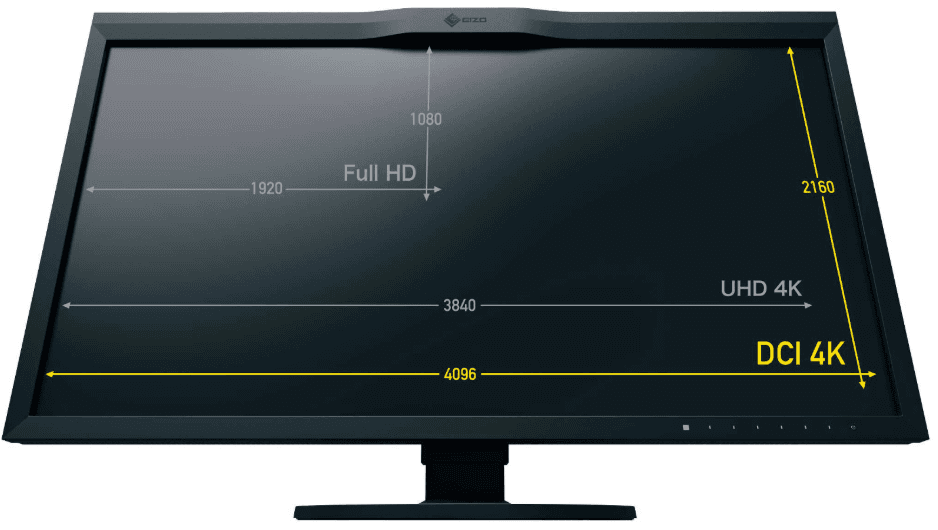
Yes, it’s huge. 31.1 inches of glorious real estate. It’s basically two monitors glued together, except way sharper and with zero ugly bezel in the middle. At native 4096×2160 DCI 4K it’s so crisp you’ll want to lick the screen (don’t). The pixel density is 149 ppi - not quite Apple Retina levels, but still retina-melting for a monitor this size.
It also does proper 10-bit color, which means buttery-smooth gradients instead of the usual banding most monitors show. Your images finally look like the 14- or 16-bit files your camera actually captured. (Quick nerd note: most PCs can do this, but only newer Macs play nice. Check System Report → Graphics/Displays for “30-Bit Color” if you want to flex.)
Native 4K vs scaled desktop
The pixel density is 149 ppi - not quite Apple Retina levels, but still retina-melting for a monitor this size.
- Fantastic Color Grading Monitor
Now, fair warning: at full native 4K resolution the text is comically tiny. You’ll feel like you need reading glasses from the future. But for photo editing? Perfection. I keep it native when I’m in Lightroom or Photoshop because the images look insane. For email and web browsing I just scale it down in macOS Display settings and suddenly it feels like I have a giant, beautiful second monitor.
Bonus: I can actually tell when my photos are critically sharp versus “eh, close enough.” On my MacBook’s Retina screen I sometimes couldn’t. The CG319X? Zero mercy. It calls out every tiny focus miss - which, as a photographer, is exactly what you want.
Handle, stand, and the damage
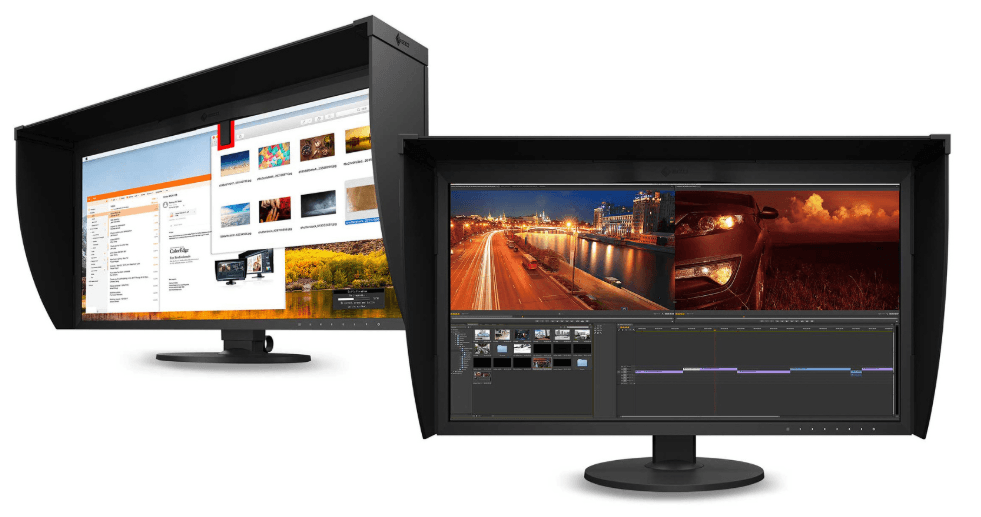
Oh, and because it’s a 20-pound beast, Eizo thoughtfully gave it a built-in carrying handle on the back and a stand you can raise, lower, and swivel with one hand like it’s a fancy office chair. Very classy.
Bottom line: The CG319X isn’t just a monitor. It’s the first time my photos have ever looked as good on screen as they do in my head.I’m ruined for anything else. Send help. (Or just send more Eizo boxes.)